Save Page WE Extension Explained: How It Works

Saving web pages for offline use is essential for research, documentation, and content preservation. Websites can change, restrict access, or even disappear over time, making it important to keep reliable copies. Browser extensions like Save Page WE offer a quick way to store pages locally—but how well do they actually work?
In this article, we’ll explain what Save Page WE is, how it works in Chrome, its strengths and limitations, and introduce a more advanced alternative for serious web archiving.
1. What Is Save Page WE?
Save Page WE is a browser extension that allows users to save a complete web page as a single HTML file. This file can then be opened offline in any browser without needing an internet connection.
Unlike bookmarks, which only store links, Save Page WE attempts to preserve the actual content of the page.
Main Features:
- Save full web pages as a single HTML file
- Offline viewing without internet access
- Preserves text, images, and basic layout
- One-click saving via browser toolbar
- No cloud upload required (privacy-friendly)
- Works across most standard websites
2. How to Use Save Page WE to Sve Pages on Chrome?
Using Save Page WE is quick and beginner-friendly.
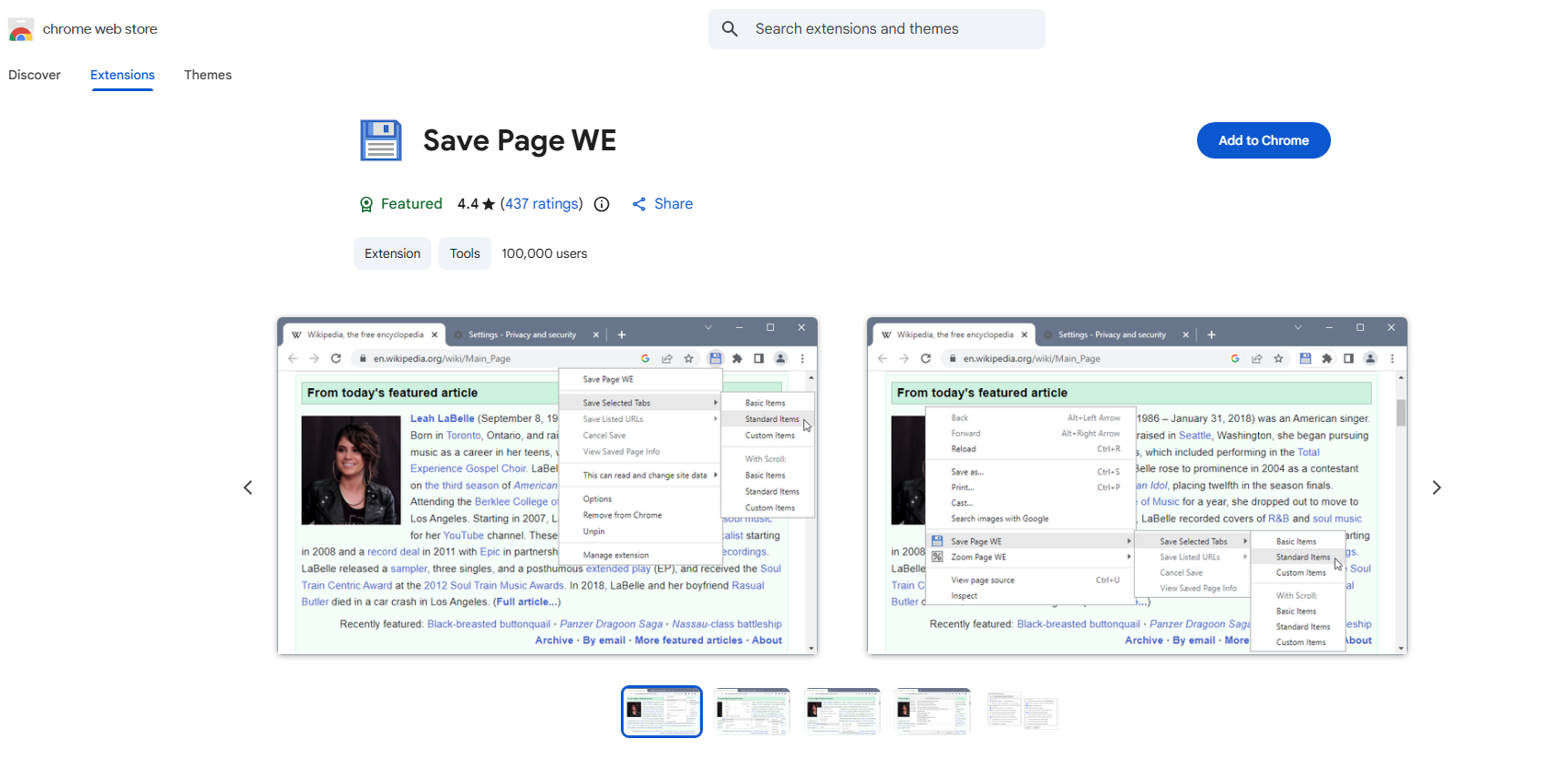
Step 1: Visit the Chrome Web Store, search for “Save Page WE” and click “Add to Chrome”.
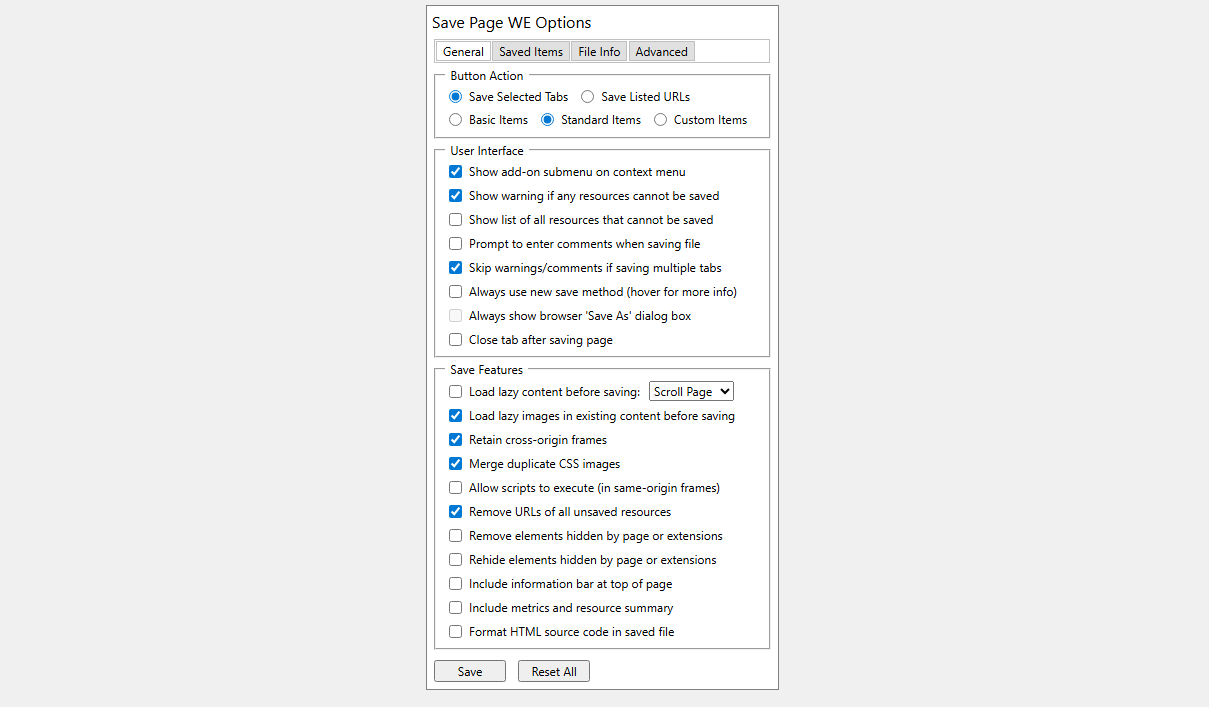
Step 2: Right-click the extension icon to set options.
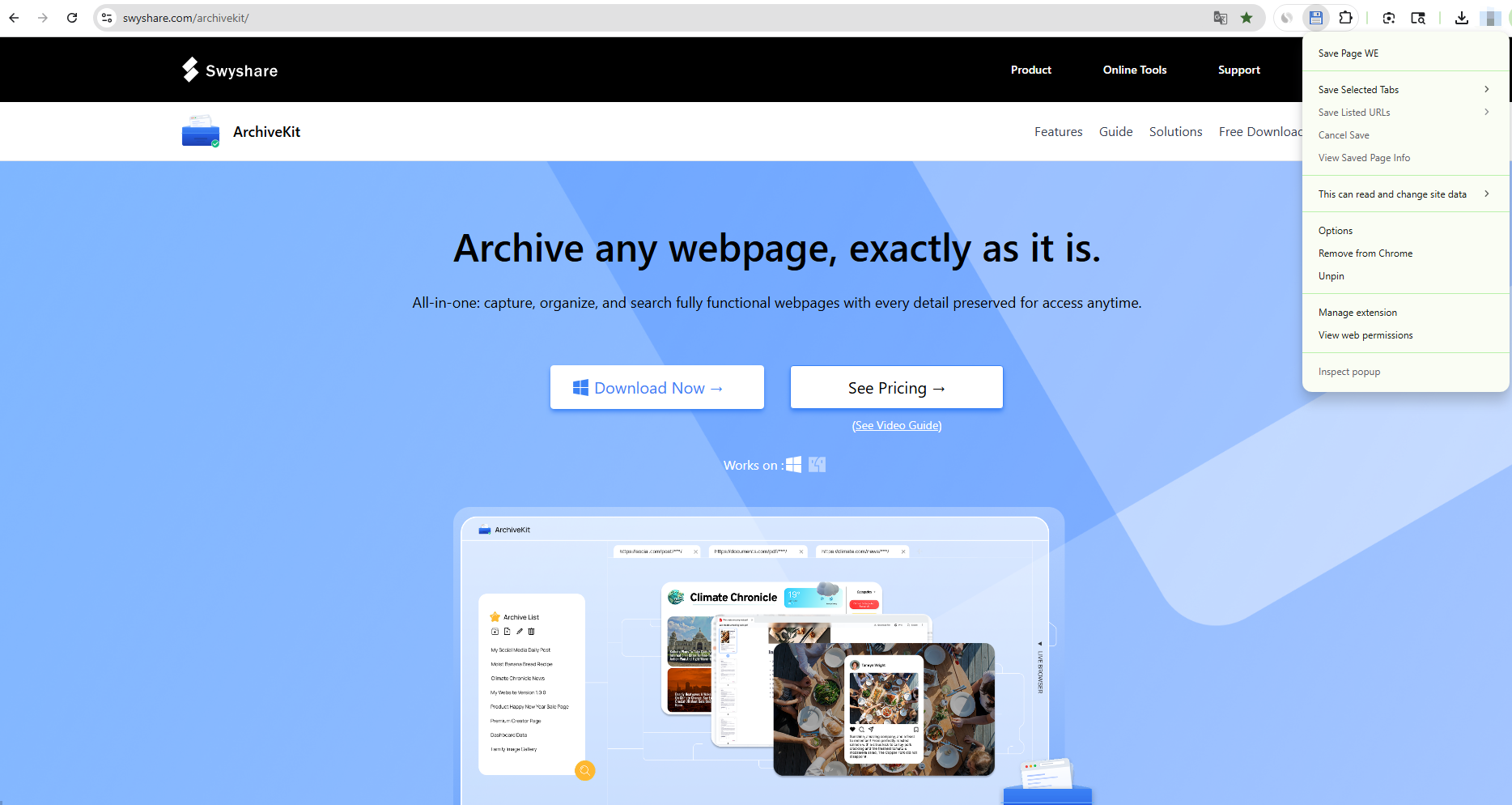
Step 3: Navigate to any webpage, tap the Save Page WE icon in your toolbar. The extension will start processing the page, then a complete HTML file will be downloaded automatically.
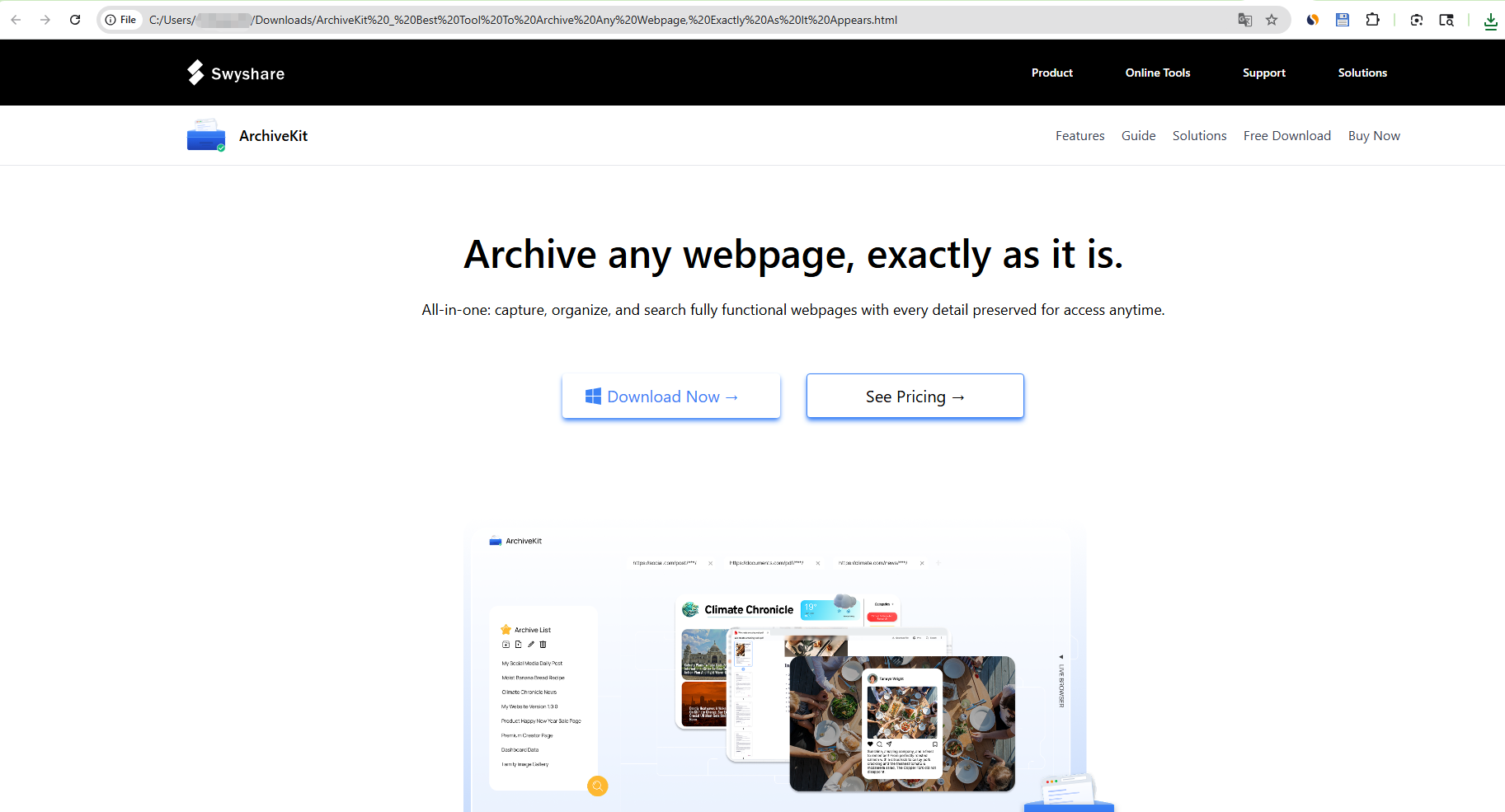
Step 4: Locate the saved file and open it in your browser to view the page offline.
3. Pros and Cons of Save Page WE
Prós:
- Simple and fast to use – One-click saving
- Free to use – No subscription required
- Offline accessibility – View saved pages anytime
- Privacy-friendly – No external servers involved
- Lightweight extension – Minimal system impact
Contras :
- Cannot save logged-in content
Pages behind login (e.g., social media, private dashboards) often won’t be captured properly - No management system for saved pages
Files are stored locally with no built-in organization, search, or tagging - Incomplete dynamic content capture
JavaScript-heavy or interactive elements may not load or function correctly offline - No batch saving feature
Pages must be saved individually, which is inefficient for large-scale archiving
These limitations make Save Page WE better suited for casual use rather than professional or large-scale archiving tasks.
4. Try the Best Webpage Archiver – Swyshare ArchiveKit
For users who need more than basic page saving, a dedicated archiving tool is a better option. One such tool is Swyshare ArchiveKit . Unlike browser extensions, ArchiveKit is built specifically for accurate, scalable, and organized web archiving.
Key Benefits of ArchiveKit:
- Save full, functional webpages exactly as they appear
- Better capture of dynamic and interactive content
- Supports saving logged-in pages using a built-in browser
- Archive multiple pages and organize them with folders
- Search within archived content to quickly find specific text, pages, or information
- Built-in viewer for easy access to archived pages
How to Use ArchiveKit to Save Pages:
- Download, install, and launch Swyshare ArchiveKit on your Windows or Mac device.
- Copy the URL of the page you want to save, then return to ArchiveKit and click “Add Page.”
- Scroll through the page to make sure all content is fully loaded before saving.
- For multiple pages, simply add all URLs into ArchiveKit for batch archiving.
- You can organize saved pages into folders and use the built-in search feature to quickly find specific content.
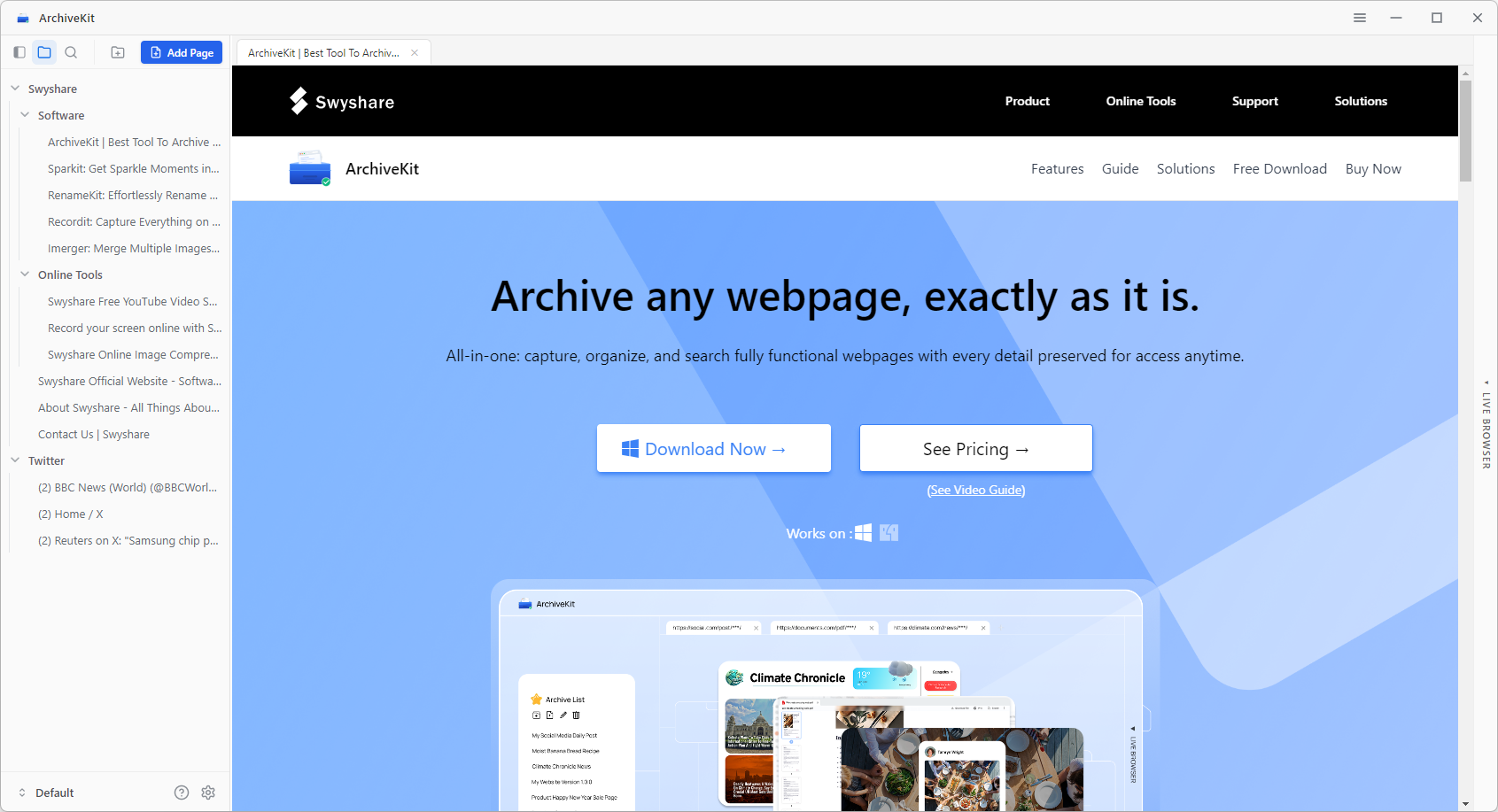
If you want to save content behind a login (such as social media, forums, or private pages), log in directly within “Live Browser” mode.

5. Conclusão
Save Page WE is a convenient and lightweight tool for saving simple web pages for offline use. It’s ideal for quick tasks like capturing articles or reference materials. However, its limitations—such as inability to save logged-in content, lack of organization tools, incomplete dynamic content capture, and no batch saving—make it less suitable for advanced needs.
For a more powerful and reliable solution, Swyshare ArchiveKit stands out as a better choice. With its ability to archive complex pages, support batch operations, provide structured management, and enable content search, it offers a complete solution for modern web archiving.
If you’re serious about preserving web content, ArchiveKit is the tool worth considering.